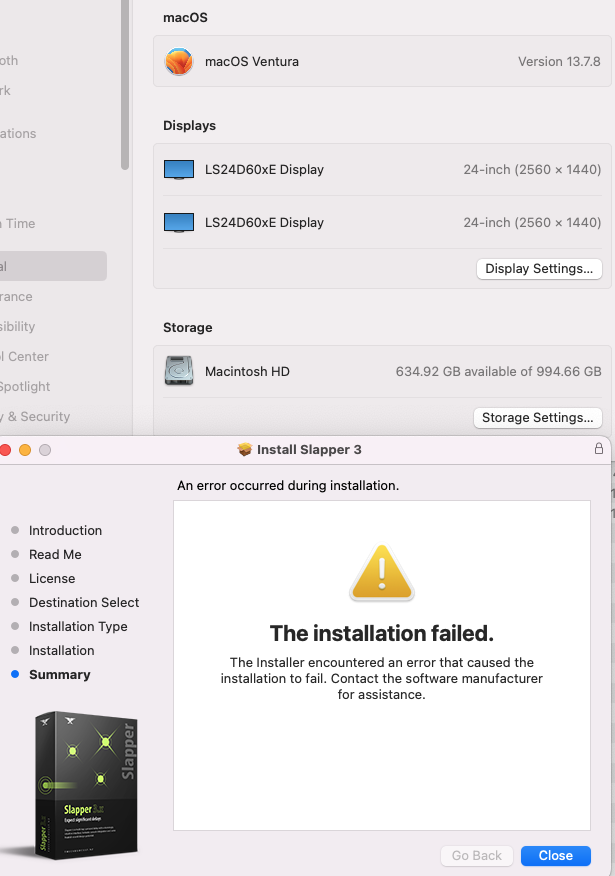
Hi Justin. I’m receiving an error installing Slapper and Subquake. Same error. The installation failed. I also own Slapper 2, Mix Alert, and Matchbox. No issues there, but it has been a few months since I installed those… I’ve also rebooted.
Here’s the install log. I also tried deleting previous plugins, AAX, VST3, and AU. No change. It’s strange. The install log cites missing directories, but those directories are very much there.
I tried also reinstalling other plugins writing to the same folders. Those went ok. No issue. Let me know what you see?
Oh I know what this is.
iCloud Documents folder right? It makes it a nightmare to store or read anything there and those 2 plugins need to write their preset files in that location.
but… apart from that. I think everything else would have installed correctly.
All it will have failed on is creating an alias in your documents folder to the real presets directory. The plugins should be looking to the real presets location in ~/Library/Application Support/Slapper anyway